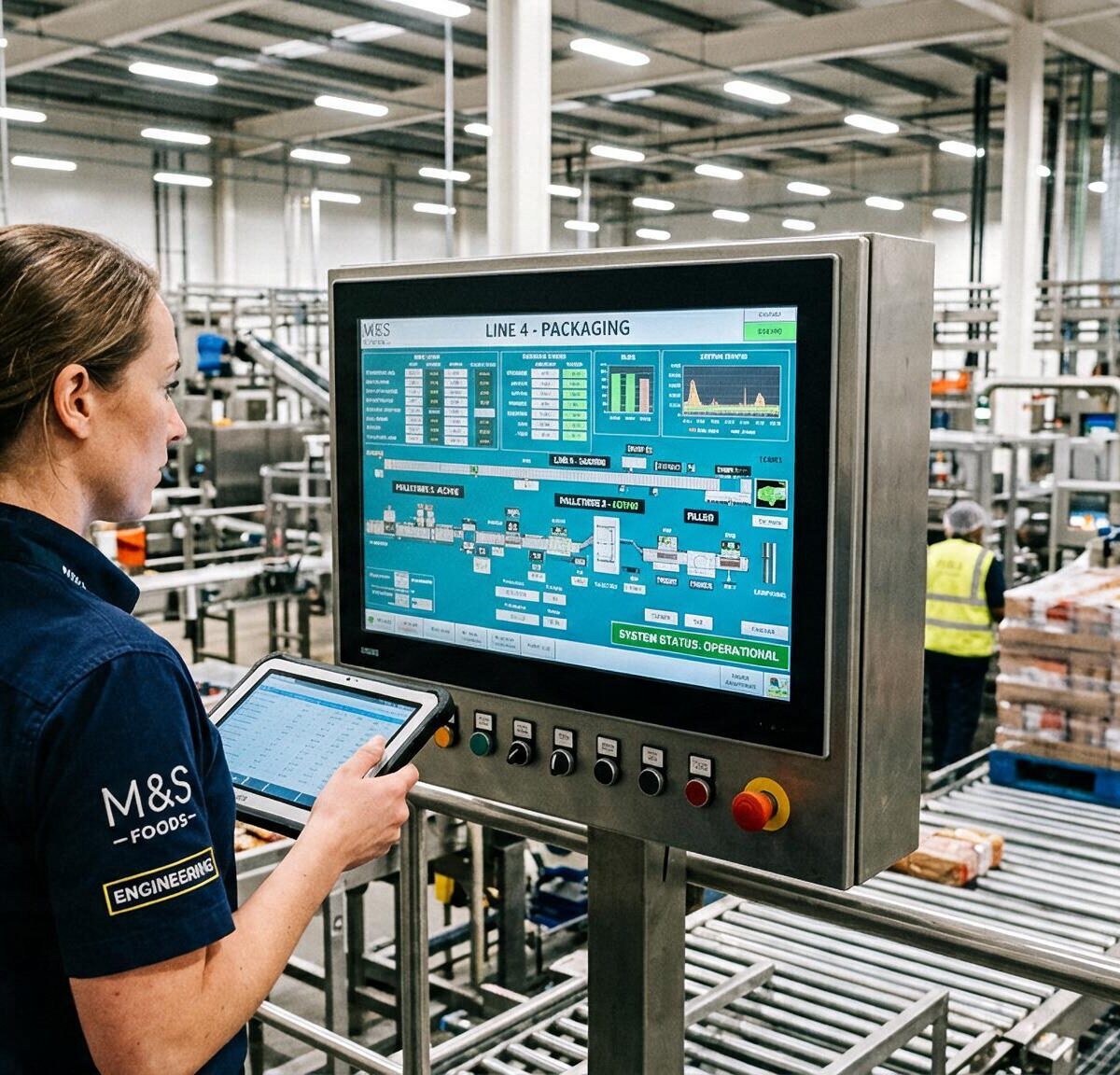
SAP Business One AI
Control SAP Business One with simple text commands and smart AI support
Work smarter with SAP Business One thanks to AI. With solutions like Boyum AI Assistant and CompuTec AI, you can automate daily tasks, ask questions in natural language, and gain faster insights into your business data.
Ask questions in plain language, generate reports, look up information, and automate recurring tasks. This way, you can get more out of SAP Business One without needing complex technical knowledge.
AI is playing an increasingly important role in modern ERP systems. Organizations use AI to automate processes, gain insights more quickly, and help employees work more efficiently.
SAP Business One AI helps companies simplify daily tasks, make business information available more quickly, and make better decisions. At the same time, the AI functionality grows along with your organization.
With Boyum AI Assistant, users receive smart support for their daily tasks within SAP Business One. For manufacturing companies and organizations in the process industry, CompuTec AI offers additional capabilities to support complex processes more intelligently and automate them further.

 Video
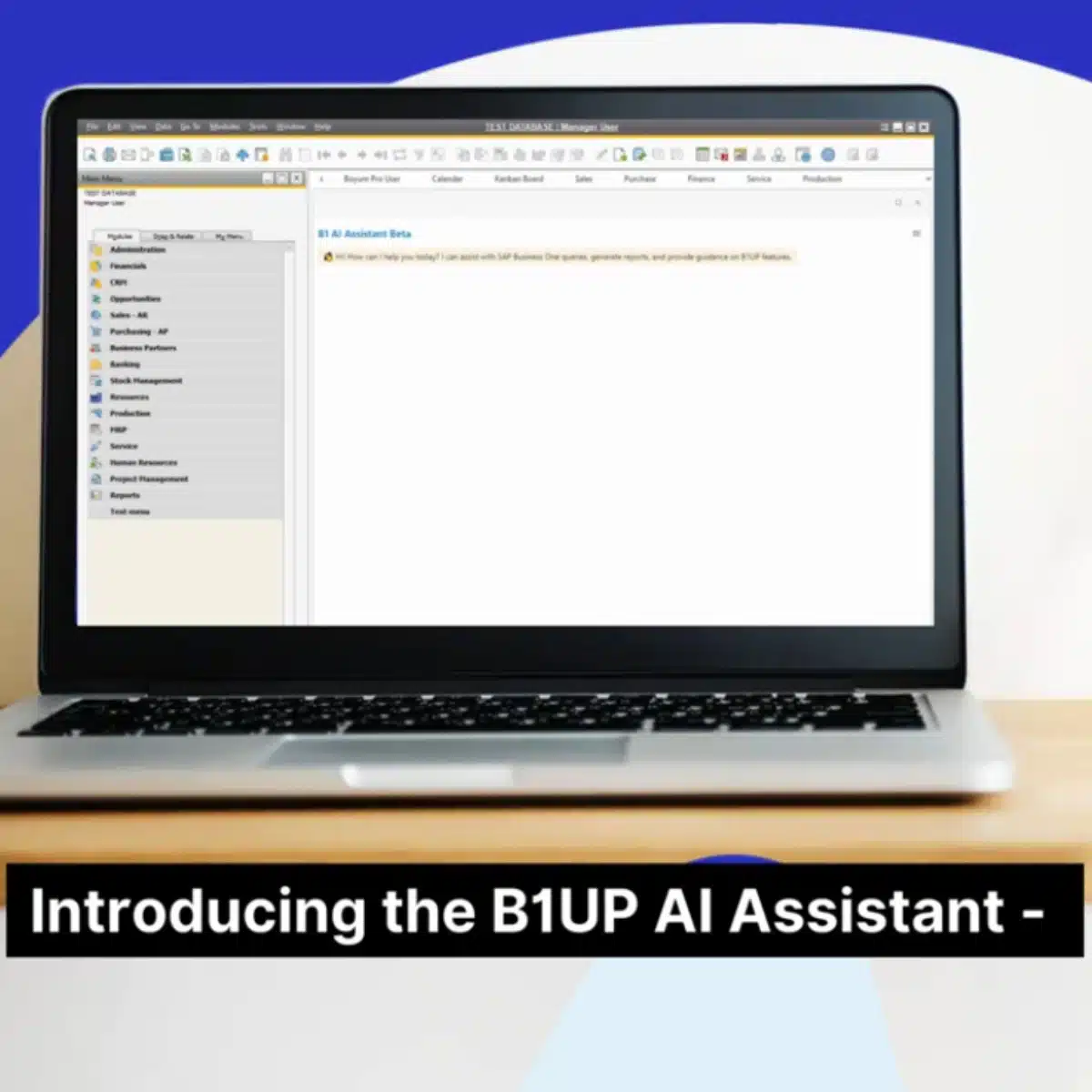
Boyum AI Assistant in action
See how Boyum AI Assistant helps users work faster in SAP Business One. In the demo, you’ll see how to ask questions in natural language, retrieve information, and simplify your daily tasks.
Boyum AI Assistant is an easy-to-use AI assistant for everyday use within SAP Business One. Depending on your organization and processes, additional AI solutions, such as CompuTec AI, can offer extra capabilities for advanced automation.
AI Solutions
How do Boyum AI and CompuTec AI complement each other?
Logres offers various options for using AI within SAP Business One. Boyum AI Assistant and CompuTec AI are not mutually exclusive.
Boyum AI Assistant focuses on ease of use within SAP Business One. Users can ask questions in natural language, find information faster, and perform daily tasks more easily.
CompuTec AI offers additional capabilities for manufacturing companies and organizations in the process industry. With App Engine, MCP technology, and AI Agents, complex factory processes can be supported and automated more intelligently.
Together, these AI solutions make SAP Business One more accessible, smarter, and more powerful for everyday use.
Curious to see how SAP will continue to drive these developments? On our page about SAP Business One version 11.0, you can read about the role that AI, the Web Client, and other innovations play in the next generation of SAP Business One.
FP2608
New in SAP Business One: Ask AI
With Feature Pack 2608, SAP is introducing Ask AI in the SAP Business One Web Client. This allows you to ask questions in natural language from various screens, with Ask AI using the data you’re currently working with.
For example, you can ask questions about delivery times or costs directly from a sales order. You can save frequently asked questions as templates and reuse them.
Ask AI thus represents the next step in integrating AI directly into SAP Business One itself. It is not a direct replacement for the Boyum AI Assistant or CompuTec AI. These solutions offer additional capabilities for deploying AI more broadly and for supporting or automating processes.
Want to learn more about Ask AI and the other new features? Check out the key changes here.
Result
What does SAP Business One AI deliver?
Clear Answers
Ask questions in natural language and get immediate answers based on your business data.
Accelerate and Automate
Automate repetitive tasks and save time on analyses, reports, and daily tasks.
More and Deeper Insights
Gain better control over business processes with real-time insights, smart automation, and AI support.
Webinar
AI in Practice with SAP Business One
AI is no longer just a pipe dream or hype—it’s an indispensable tool for your daily processes. But how do you actually put it into practice? On Tuesday, October 20, our colleague Robbert Mellendijk will demonstrate live how the latest AI developments within SAP Business One work. No vague technical jargon—just concrete examples that will save your organization time right away.
Want to learn how to apply AI in practice? Register for the webinar on October 20 at 10:00 a.m.
Functionalities
What AI features are available in SAP Business One?
Boyum AI Assistant
Supports users with natural language, so information can be found faster and daily tasks are easier to complete.
CompuTec AI
An additional AI solution for manufacturing companies that provides smarter support for processes and enables advanced automation.
App Engine
The AI platform within CompuTec on which AI Agents and smart process automation are built.
Ask AI
Ask questions in natural language and retrieve information from SAP Business One and connected data sources.
AI Agents
Support employees and business processes by gathering information, performing analyses, and handling repetitive tasks more efficiently.
Flexible integrations
Connect SAP Business One with AI capabilities and other business systems for an integrated workflow.
Advantages
The benefits of SAP Business One AI
With AI functionality within SAP Business One, organizations can operate more efficiently, gain faster insights into business information, and support processes more intelligently. Logres offers AI solutions for day-to-day support, analytics, and, where relevant, advanced process automation.
- Greater Efficiency
Automate repetitive tasks and spend more time on tasks that truly add value. - Faster insights
Ask questions in natural language and get immediate answers based on reports, business data, and analyses. - Smarter Decision-Making
Combine information from various sources and make better-informed decisions with AI support. - Advanced Process Support
Use AI to support processes, perform analyses, and simplify repetitive tasks. - Ready for the Future
With Boyum AI Assistant as an accessible AI support tool and CompuTec AI as a complementary solution for manufacturing companies, your AI environment will grow alongside your organization.
This is how Logres helps organizations make the most of AI’s capabilities within SAP Business One.
Do you also use an online store? Learn how an SAP Business One online store integration enables the automatic exchange of orders, customer information, and product data with SAP Business One.
Case studies
What can you do with SAP Business One AI?
Ask questions in natural language
Ask AI to retrieve information from SAP Business One without complicated search queries or technical knowledge.
Support for reporting
Let AI help you create reports, analyses, and data queries within SAP Business One.
Analyze business information
Combine data from SAP Business One to gain faster insights into performance, trends, and anomalies.
Retrieve external information
Retrieve additional information whenever possible, such as product specifications, shipping information, or other external data.
Speed up daily tasks
Simplify recurring tasks and help employees process information faster.
Deploy AI Agents
Use additional AI Agents to support processes more intelligently, especially in more complex business processes and production environments.
 Video
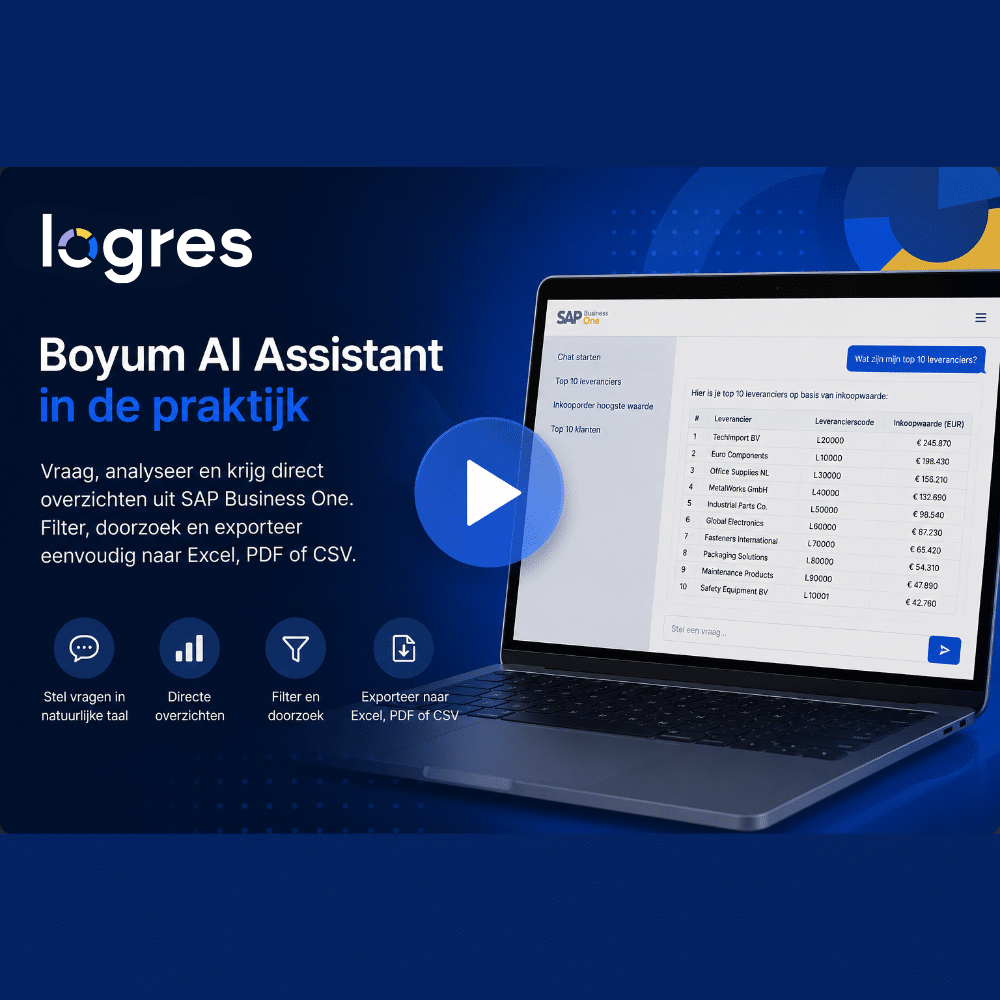
AI in Practice
See how the Boyum AI Assistant helps users retrieve real-time business information. Ask questions in natural language, instantly generate reports on customers, vendors, and purchase orders, and filter or export the results to Excel, PDF, or CSV. This allows you to gain valuable insights from SAP Business One faster without having to write complex queries.
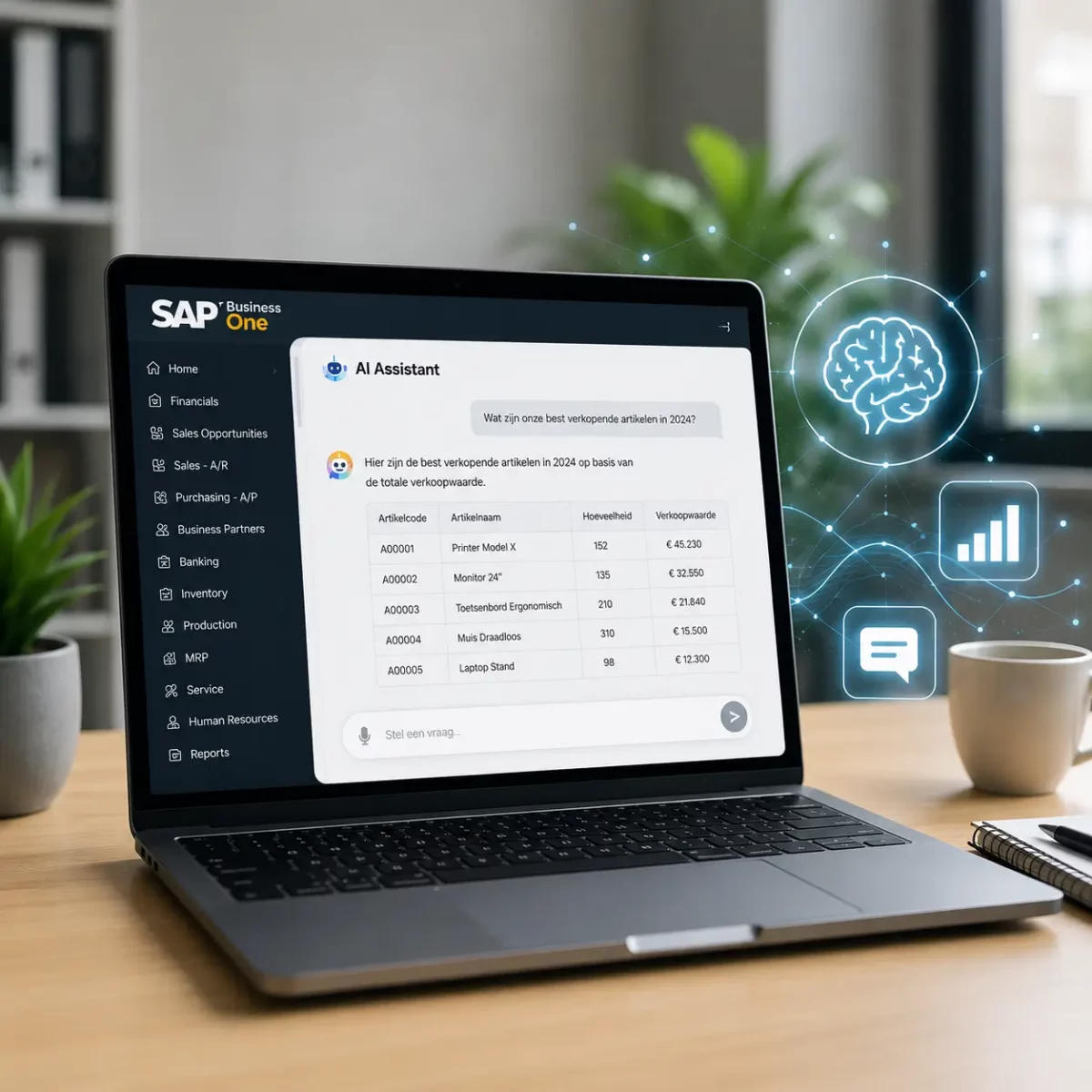
More possibilities with the Boyum AI Assistant
In addition to retrieving reports directly, the Boyum AI Assistant can also process more complex questions, answer follow-up questions, and automatically generate the necessary SQL query.
- Ask questions in natural language;
- Open results directly in SAP Business One;
- ask follow-up questions based on previous results;
- automatically generate SQL queries;
- Tailor access to users and roles.
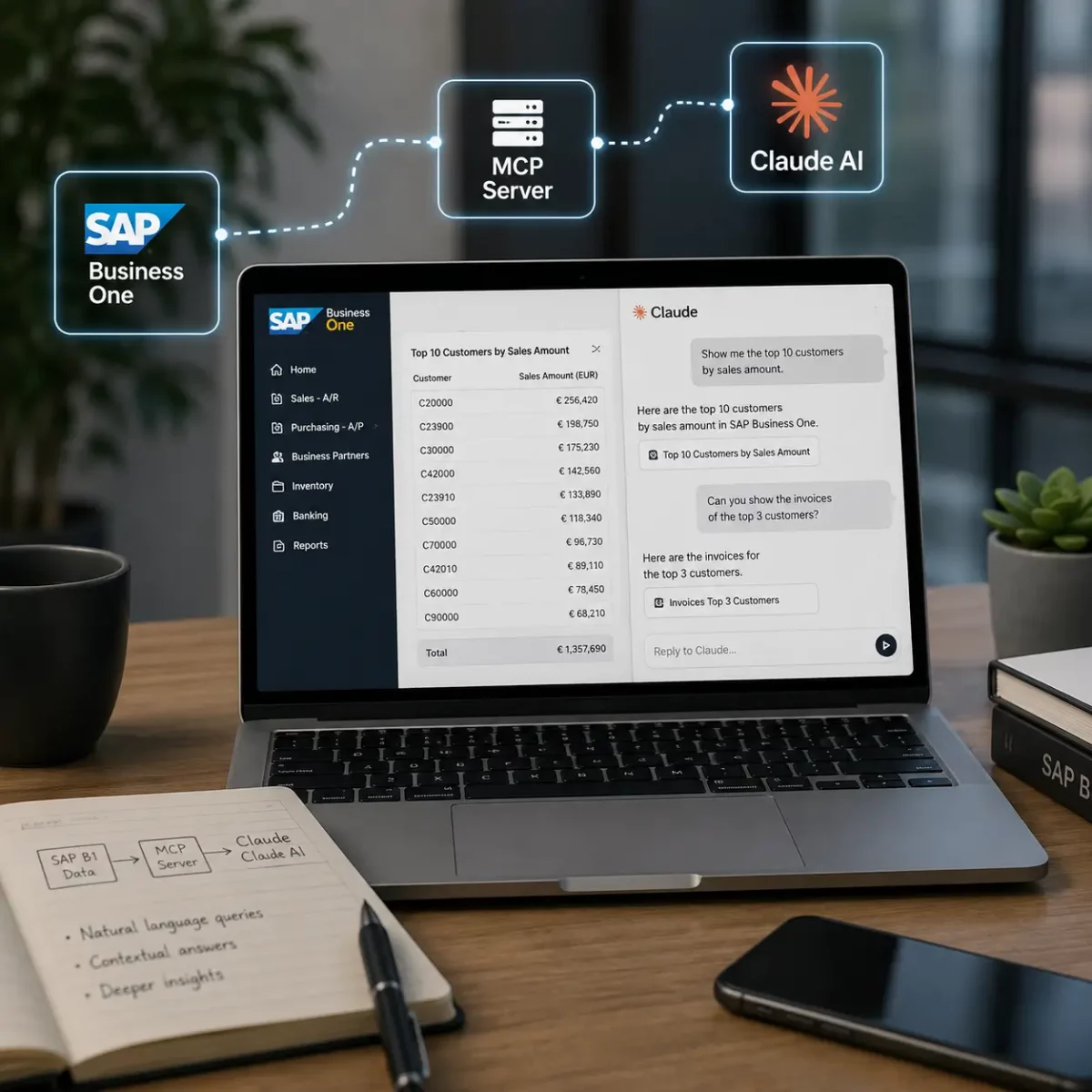 Use SAP Business One data in Claude via MCP
Getting Started with the SAP Business One MCP in Claude AI
SAP Business One can be connected to Claude AI via an MCP server. The MCP server acts as the intermediary layer through which Claude can retrieve and use information from SAP Business One.
In the video, you’ll see how to use Claude to ask questions about the data in SAP Business One. For example, you can generate an overview of your top customers and then ask follow-up questions about revenue, invoices, and items sold. Claude uses the context from previous questions to further deepen the analysis.
This makes it possible to explore business data in a different, interactive way without having to create a separate report for every follow-up question.
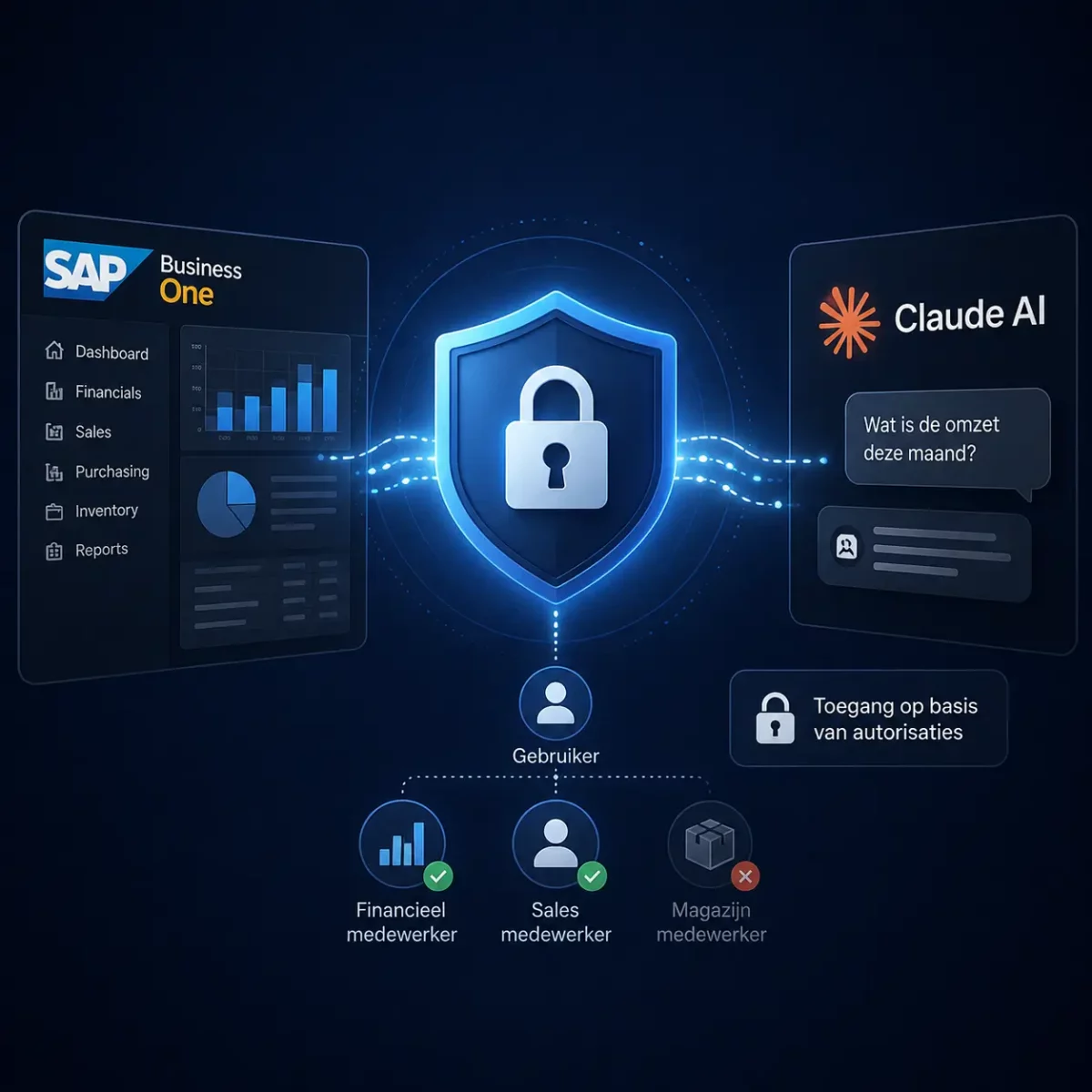
Work securely with Claude and SAP Business One
When you grant AI access to business data, it’s important that employees can only retrieve information they’re authorized to access. Authorization therefore plays a crucial role, especially when it comes to financial or other sensitive data.
In this video, you’ll see how Claude communicates with SAP Business One via the MCP server and how user permissions can be taken into account. This allows access to be linked to a user’s permissions, ensuring that not every employee can automatically retrieve all available business information.
This allows you to combine the capabilities of AI with controlled access to the data within SAP Business One
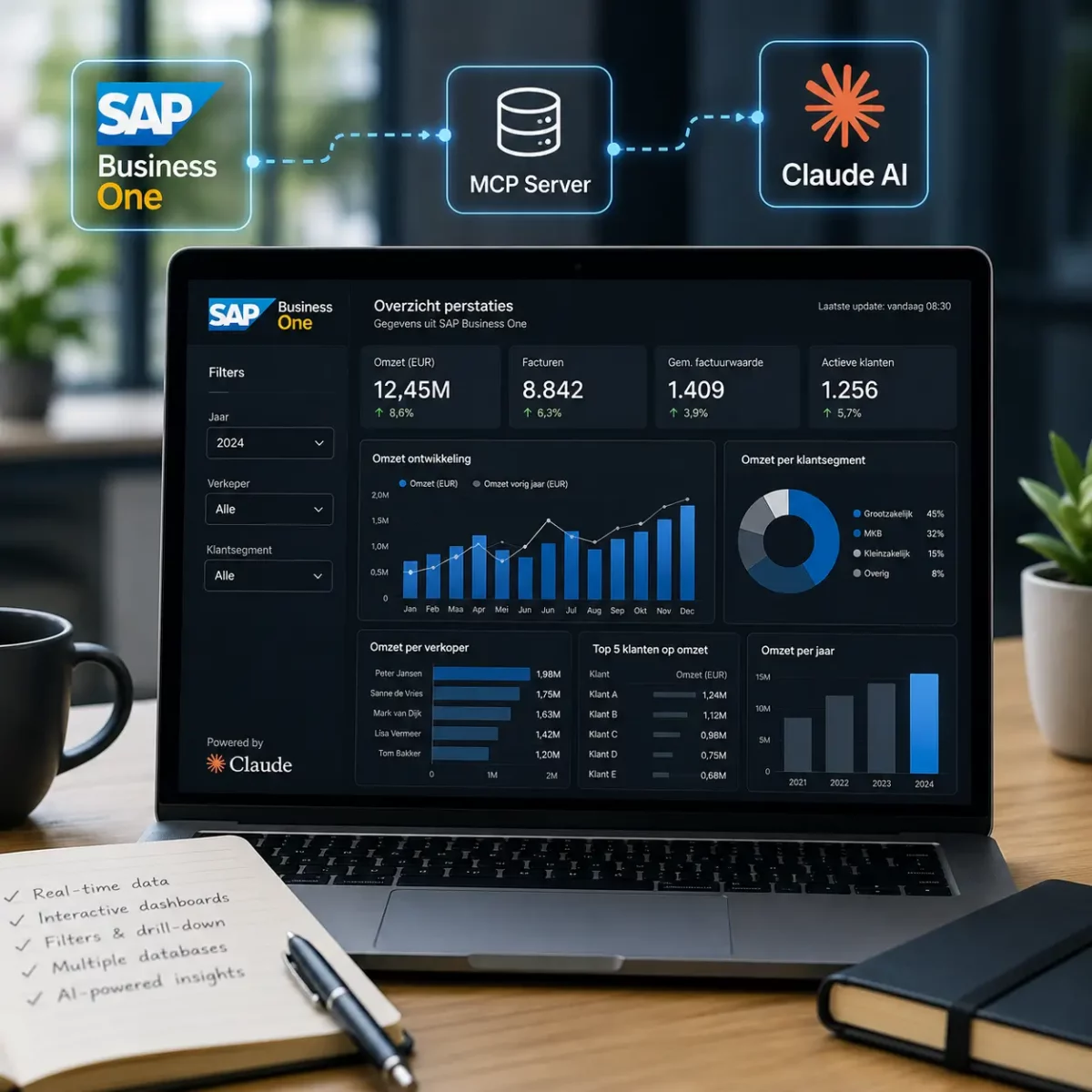
Create dynamic reports with Claude
With the integration between Claude and SAP Business One, you can not only retrieve data but also process it in visual reports and dashboards.
In this video, you’ll see how Claude uses SAP Business One data to generate an interactive report covering multiple years. You can then filter the report immediately by criteria such as year, salesperson, and customer segment. This gives you insight into metrics such as revenue, invoices, average invoice value, and active customers.
Reports can be further customized using new prompts and updated periodically with current data. Data from multiple databases can also be combined. This allows AI to offer new ways to analyze and visualize SAP Business One data in an accessible way.
FAQ
Frequently asked questions about SAP Business One AI
What is SAP Business One AI?
SAP Business One AI consists of smart AI features that support users in their daily tasks. These include asking questions in natural language, performing analyses, creating reports, and automating business processes more intelligently. Logres offers solutions such as Boyum AI Assistant and CompuTec AI for this purpose.
What can Boyum AI Assistant do within SAP Business One?
Boyum AI Assistant helps users find information faster within SAP Business One. You ask questions in natural language and receive immediate answers based on your company data. This allows you to work more efficiently and spend less time searching for information.
What is CompuTec AI?
CompuTec AI is an advanced AI solution for SAP Business One that uses AI Agents and App Engine. It enables organizations to support processes more intelligently, accelerate analytics, and further automate repetitive tasks.
Can AI retrieve data from SAP Business One?
Yes. AI can retrieve information from SAP Business One, such as customer data, orders, inventory information, and reports. Depending on the solution you choose, data from other integrated systems can also be accessed.
Can AI automate processes within SAP Business One?
Yes. AI supports employees with repetitive tasks, helps perform analyses, and can manage business processes more intelligently. With solutions such as CompuTec AI, advanced AI agents are also possible to support various tasks.
Can Boyum AI Assistant and CompuTec AI be used together?
Yes. Boyum AI Assistant and CompuTec AI complement each other. Boyum AI Assistant supports users in their daily tasks within SAP Business One, such as asking questions in natural language and quickly finding information. CompuTec AI offers additional capabilities for manufacturing companies and organizations in the process industry, including AI Agents, App Engine, and advanced process support. Which features are the best fit depends on your organization and business processes.
Discover how AI can help your organization work smarter
Curious about how AI can support your organization within SAP Business One? Our ERP specialists would be happy to advise you on the capabilities of Boyum AI Assistant, CompuTec AI, and the AI features that best align with your processes.