Are you hesitating between SAP Business One and Odoo? Here's what you need to know

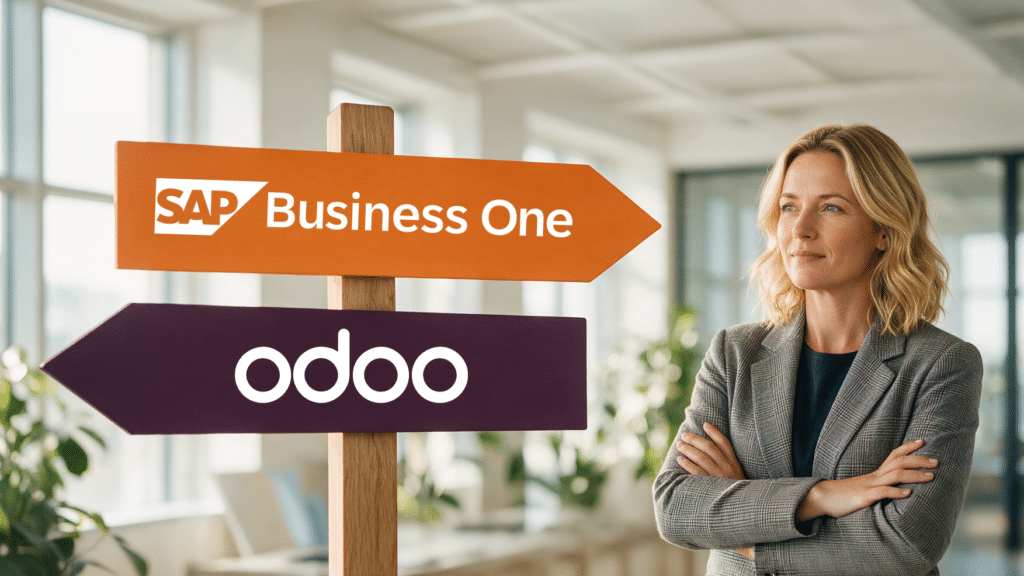
Odoo or SAP Business One?
Odoo or SAP Business One? More and more wholesalers are comparing these two ERP packages side by side. Both are capable of a lot, but they’re structured in very different ways. You’ll notice that difference most clearly during implementation and in the years that follow.
Below, you’ll learn how Odoo and SAP Business One work, how they differ from each other, and which package is best suited for which type of wholesale business.
Odoo or SAP Business One for Your Wholesale Business?
This two-page brochure compares the two side by side to highlight the differences when service is your top priority.
Odoo and SAP Business One at a Glance
Odoo is an open-source ERP package with a modular structure. You start with the components you need right now—such as accounting, sales, or inventory—and expand later with individual apps.
There is a free Community Edition and a paid Enterprise Edition. Its low barrier to entry and modern interface make Odoo popular among smaller businesses and startups.
SAP Business One is SAP’s ERP system for small and medium-sized businesses. Finance, purchasing, sales, inventory, production, and customer relations are integrated into a single system.
Tens of thousands of companies worldwide use it. Their experience has been incorporated into the software as best practices, which means that, for the most part, a wholesale business can get by using the standard version.
Odoo vs. SAP Business One: A Comparison of the Differences
| Odoo | SAP Business One | |
|---|---|---|
| Structure | Individual modules and apps that you can combine yourself | One integrated system for all core processes |
| Getting Started | Tier: Free Community Edition, Enterprise per user | Higher license cost, with more standard features included |
| Setup | Much of the configuration or customization is done on a per-company basis | Mostly standard, with the rest fine-tuned |
| Implementation Timeframe | Highly dependent on the number of modules and customizations | At Logres, it takes an average of 8 to 12 months |
| Hosting | Included as standard in Odoo’s shared cloud; other options available at an additional cost | On-premises or in a private cloud—the choice is yours |
| Updates | In the cloud, you follow Odoo’s release cycle | You decide when to upgrade to a new version |
| Extensions | Wide range of apps, both from Odoo itself and from third parties | SAP-certified add-ons—often unnecessary for a wholesale business |
| International | Multilingual and multi-company support | Strong in currency, national legislation, and intercompany transactions |
| Best suited for | Smaller companies with straightforward processes | Growing Wholesale Businesses Where Service Comes First |
Two Ways to Set Up Your ERP System
The biggest difference between Odoo and SAP Business One isn’t in what they can do. It’s in how you get there.
With Odoo, you build your system step by step. This offers flexibility: you can get started quickly and pay only for what you use. At the same time, each app must integrate with your processes and with the other apps.
The more unique your workflow is, the more configuration and customization are required. Ultimately, there are many possibilities, but the implementation grows with every expansion.
SAP Business One starts as a complete system. For a wholesale business, most of what you need is already included: customer-specific pricing, inventory across multiple warehouses, purchasing, order processing, and finance. The setup is mainly about fine-tuning the system so that it aligns perfectly with how you work.
For specialized software, such as a PIM system for product information or a WMS, choose a solution that truly excels in that area. Through the Integration Framework, it works seamlessly with SAP Business One.
A low initial cost says little about what an ERP system will cost you in five years.
What Does It Really Cost?
Odoo has a low entry barrier, which is a definite plus. However, the bulk of the costs isn’t in the license, but in the implementation: configuration, customization, and a consultant’s time.
Because the system grows over time, it’s difficult to predict the total cost upfront. In practice, we speak with wholesalers who are still working on the setup years after they started.
With SAP Business One, the license investment is higher. On the other hand, a large portion of what you need is already included in the package. This makes it easier to estimate the implementation costs and ensures you know exactly where you stand from the start.
So don’t just compare license prices—consider the total investment, including implementation days. To learn how to do that, read “ERP and ROI: Is Your ERP System Worth the Investment?”
Hosting, Updates, and Control
Odoo is primarily used as a cloud service in a shared environment. That’s convenient: no need for your own servers, and you can get started quickly. However, you’ll have to follow Odoo’s release cycle, and custom code changes are limited in that environment. If you do want that flexibility, you’ll end up with a more expensive hosting option.
You can run SAP Business One in a private cloud or on your own servers. You decide when to install a new version, so you can test it first to make sure everything continues to work. You also have the freedom to choose your partner and hosting provider.
You can read more about this comparison in “Cloud ERP vs. On-Premise ERP.”
When is Odoo a good fit?
Odoo is an excellent choice for smaller businesses with straightforward processes. Think of a trading company that buys and sells without many customer-specific agreements, operates in a single country, and has a small team.
The low barrier to entry, the modern interface, and the ability to start small are major factors. As your organization becomes more complex, the differences compared to SAP Business One become more pronounced.
When Should You Choose SAP Business One?
SAP Business One is best suited for wholesale businesses where service is a top priority. It’s ideal for companies that set custom prices and delivery terms for each customer, operate multiple locations or purchasing organizations, or assemble products before they leave the warehouse.
It’s also a strong choice for international businesses. Currencies, languages, country-specific regulations, and intercompany transactions are all integrated into a single system. Read more about this in “The Best ERP for International Companies.”
In addition, SAP is continuously investing in the suite, including the Web Client and built-in AI. On the ERP Software for Wholesalers page, you can see what that means in practice.
Case Study
Veldkamp Chemiehandel Chooses Between Odoo and SAP Business One
Veldkamp Chemiehandel (fictitious name) has 40 employees and supplies raw materials and auxiliary materials to industrial customers in the Netherlands, Belgium, and Germany. Its current system needs to be replaced. Odoo and SAP Business One are on the shortlist.
What Veldkamp Needs
Batch numbers and expiration dates for every shipment. A safety data sheet in the correct language and version for each country. And storage rules: which substances must be stored in a separate silo and which must not be stored next to each other.
The Odoo Approach
Everything can be built, but only as separate apps and custom solutions that have to integrate seamlessly with one another. If legislation changes, Veldkamp will have to update those custom solutions itself.
The Path with SAP Business One
Batch management and shelf life are included in the standard version, incorporating best practices from the chemical industry. For safety data sheets and warehousing, Veldkamp opts for “best-of-breed” solutions: a system for safety data sheets and a warehouse management system (WMS) designed specifically for the chemical industry. Through the Integration Framework, these systems work seamlessly with SAP Business One, and their suppliers keep the software up to date as regulations change.
Veldkamp chooses SAP Business One, supplemented with CHEMDOX. No customization or modifications required.
This case study and the company name are fictional, based on situations Logres encounters in real life.
The software is half the story; the partner is the other half
Two wholesale companies using the same ERP package can end up with completely different results. A demo shows what a package is capable of. What really matters is who works with you to understand how your business operates.
A good ERP implementation partner takes the time to plan thoroughly up front. With a business case, a clear investment proposal, and a Business Blueprint, you’ll know in advance what the system will deliver, how much it will cost, and when you’ll go live.
Logres has been serving wholesalers since 1993, with its own consultants and help desk.
Are you torn between Odoo and SAP Business One?
Compare your own processes with SAP Business One. During a consultation, Logres’ ERP consultants will work with you to determine: what does your wholesale business need, what will the implementation cost, and how long will it take?
Frequently Asked Questions About Odoo and SAP Business One
What is the difference between Odoo and SAP Business One?
Odoo is a modular, open-source ERP suite that you build step by step using individual apps. SAP Business One is a single integrated system in which the core processes of a wholesale business are already largely built in as standard.
Odoo has a lower entry barrier but requires more configuration. With SAP Business One, the license investment is higher, and the implementation costs are easier to estimate.
Is Odoo cheaper than SAP Business One?
Odoo has a lower entry cost. The total cost over the entire term depends mainly on how much setup and customization is required. Therefore, compare the total investment—including implementation days and management—and not just the license price.
Is Odoo suitable for a wholesale business?
Odoo can work well for a wholesale business with straightforward processes. If you work with customer-specific pricing agreements, multiple locations or purchasing organizations, or operate internationally, SAP Business One is a better fit.
How long does an SAP Business One implementation take?
At Logres, an SAP Business One implementation takes an average of 8 to 12 months, depending on the scope. Because a business case and a Business Blueprint are prepared in advance, you know the schedule ahead of time.